
The goal
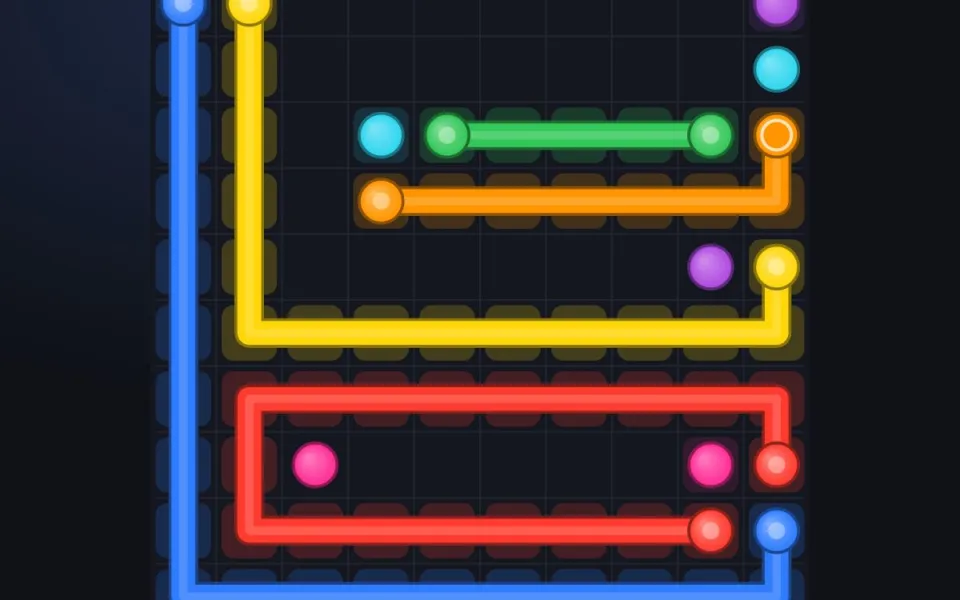
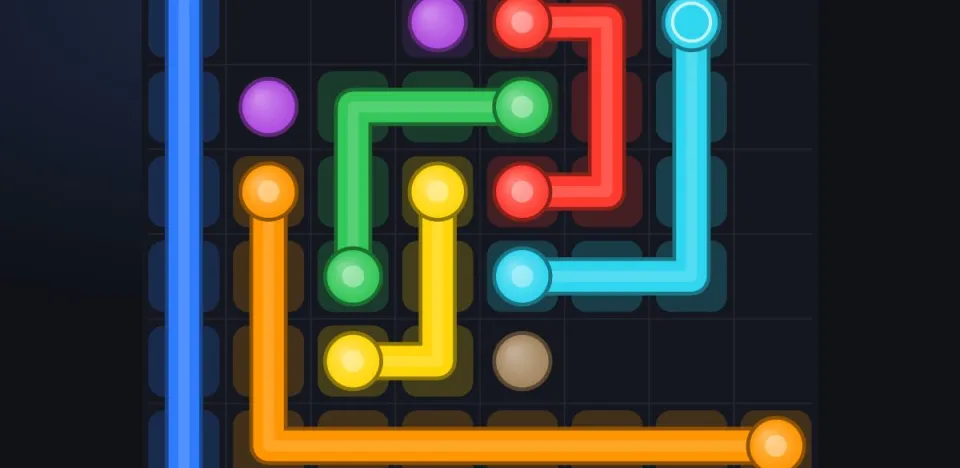
Every board has pairs of colored dots. Your job is to draw a line from each dot to the dot of the same color. Lines run along the grid, cell by cell, and a cell can hold only one line. The level is finished when all pairs are linked and every cell of the board is filled. That last part is what turns a drawing exercise into a logic puzzle: the shortest route is rarely the right one, because the leftover cells have to be covered by someone.
Controls
- Draw: touch (or click) a dot and drag. The line follows your finger one cell at a time; you can bend it as often as you like.
- Shorten: drag back along your own line, or tap any cell of a finished line and continue from there.
- Cut: drawing through another color’s line cuts that line from that cell to its loose end. Dots cannot be crossed: a red ✕ flashes and your line stops.
- Restart a line: tap either of its dots and draw again.
- ↶ Undo takes back the last move (Ctrl+Z or ⌘Z on a keyboard); ↻ Restart clears the board; 💡 Hint draws one color exactly as in the built-in solution.
Stars and moves
A move is one drag from touch to release. The best possible result is one move per color: each line drawn once, correctly. That earns ★★★. Solving without hints but with extra moves gives ★★; any level finished with a hint gives ★. Stars are kept per level and only improve: replaying a level can raise its stars, never lower them.
| Result | Stars | How |
|---|---|---|
| Perfect | ★★★ | moves = number of colors, no hints |
| Solved | ★★ | any number of moves, no hints |
| With help | ★ | at least one hint used |
Levels and unlocking
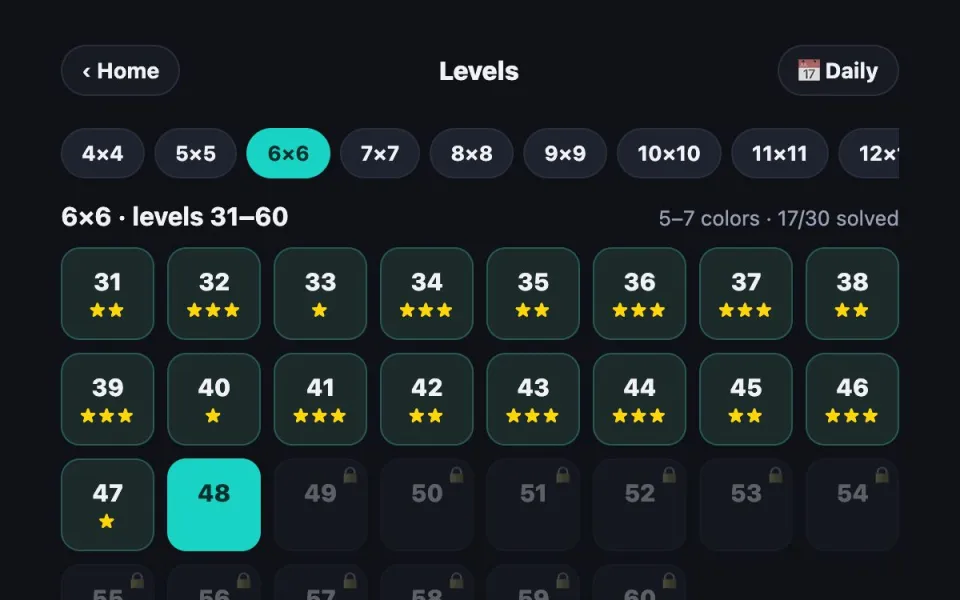
There are 660 levels in 11 packs from 4×4 to 14×14, followed by an endless 15×15 mode. Inside a pack you unlock the next level by solving the previous one, but the first level of every pack is always open, so a stuck player can move on to bigger boards and come back later. Progress is saved in your browser; no account is needed.
The daily puzzle is separate: one shared board per day, the same for every player, with its own streak counter.
A worked example
Take a 5×5 board with four colors. The two red dots sit in opposite corners of the top row. A straight line along the top edge links them in four steps, but then the two cells under it in the next row have no way to be reached except by red itself. So red dips down into the second row and comes back up, covering those cells, and the other colors fill the rest. Spotting these forced detours is the heart of the game; the tips page shows the common patterns.
FAQ
Do I have to fill every cell?
Yes. A level is complete only when every pair of dots is linked and no empty cell is left. If all pairs are linked but cells remain, a message reminds you to fill the board: some line has to take a longer route.
Can lines cross each other?
No. Each cell holds exactly one line. Drawing over another line cuts it from that cell onward, and dots of another color block the way.
Is Dot Link free?
Yes, every level, the endless mode and the daily puzzle are free. There is no account, no download and nothing to buy; the site runs on ads.
Does it work on my phone?
Yes. It is a browser game: open gameuzb.uz/dots on Android or iPhone and drag with your finger. On a computer use the mouse; Ctrl+Z is undo.
How do I earn three stars?
Draw every line correctly on the first try: the number of moves must equal the number of colors and you may not use a hint. Study the board before touching it, then draw the forced lines first.
 Tips & strategysolve flow puzzles faster
 Levels & difficulty4×4 to 14×14 and endless
 Daily puzzleone new board every day
 Connect the dots gamefree, no download