Three steps
- In the menu choose the rules and press With a friend → Create a room.
- Read out the 4-character code or send the link. The link takes your friend straight into the room.
- You both check your fleet and press To battle! Who fires first is decided at random.
Good to know
- Games with a friend are unrated, so practise as much as you like.
- After the game there is a Rematch button; once you both press it a new deployment begins.
- One of you can be on a phone and the other on a computer.
- If the connection drops the game waits 45 seconds; when you return it continues from the same spot.
- There is no chat in the game: talk to your friend wherever you prefer.
Tricks against a friend
Unlike the computer, people have habits. Many put the big ship on an edge and scatter small ones in the middle, then do the opposite next game. After a few games you will notice how your friend deploys: pick your first shots accordingly and change your own layout each time.
Who it suits
For classmates at break, colleagues at work, brothers and friends in different cities. A game lasts 5–10 minutes on average, so it fits into a short pause.
FAQ
Does my friend need an app?
No. The link opens in a normal browser.
How long does the code last?
Up to 30 minutes while you wait in the room. Close the window and the room disappears.
Can two people share one phone?
No: the fleet has to stay secret. Each player uses their own device.
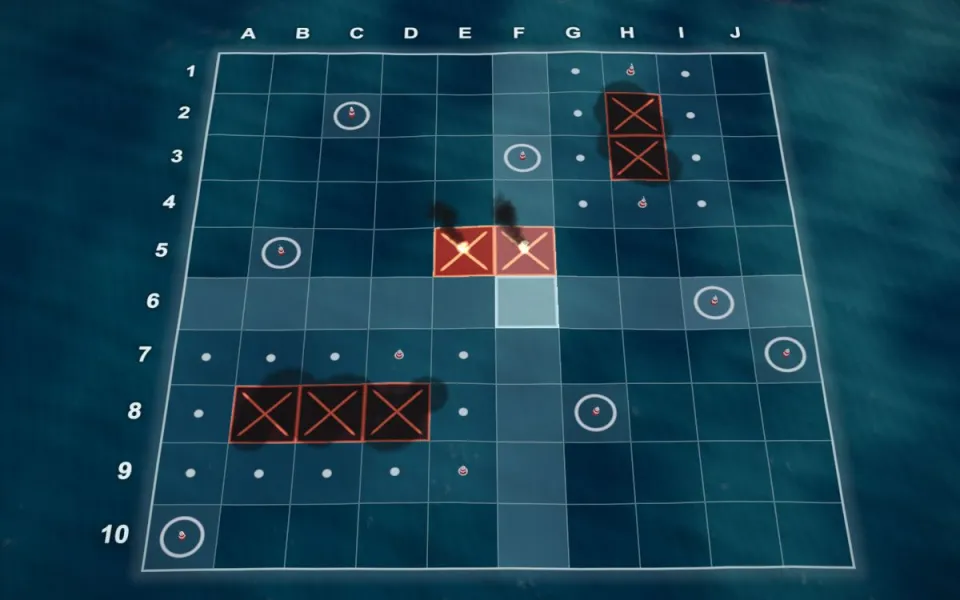 Battleship strategyparity and probability
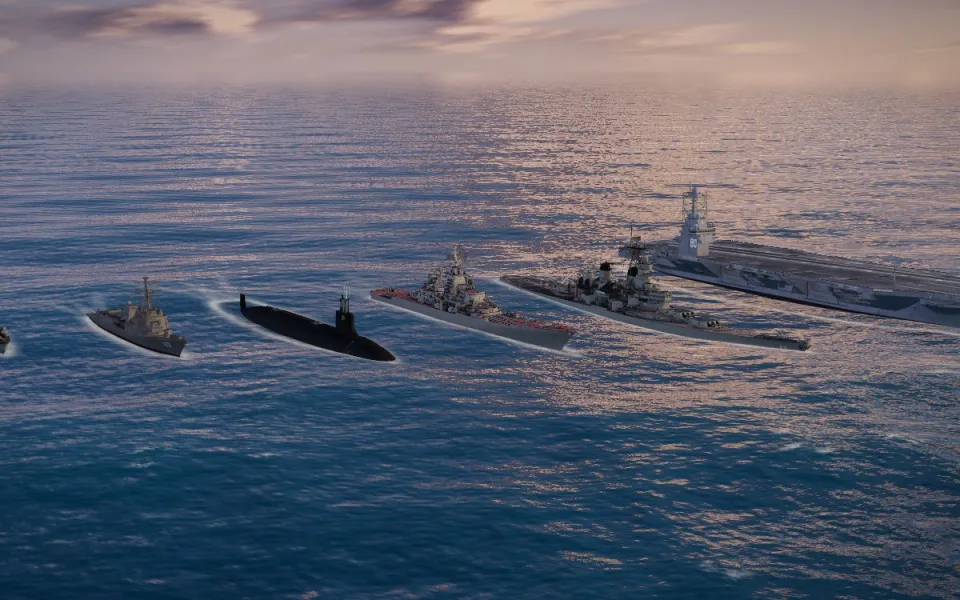 The sea battle fleetships and table
 Battleship 3Docean, ships, cinematics