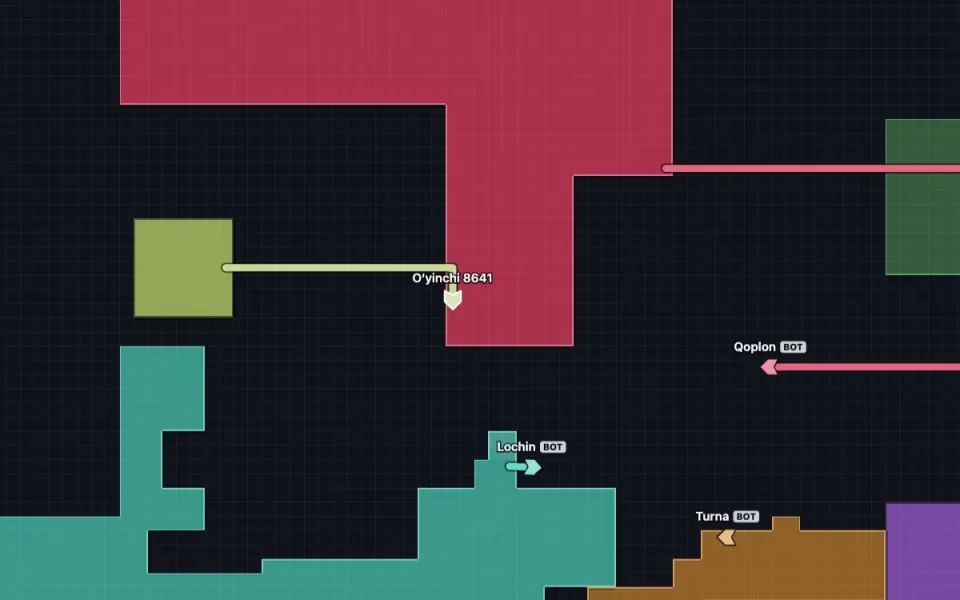
How it works
- On the Hudud page press “With a friend”: a separate room opens for you.
- The “Room: invite a friend” button on screen: the share sheet on a phone, Telegram and copy on a computer.
- Your friend opens the link, presses “Play” and lands on the same map. You can invite 22 more.
You can invite later too: “Invite a friend” on the card when a run ends. If you are in a public room, the link leads there.
Why a private room
- No random players: only people with the link.
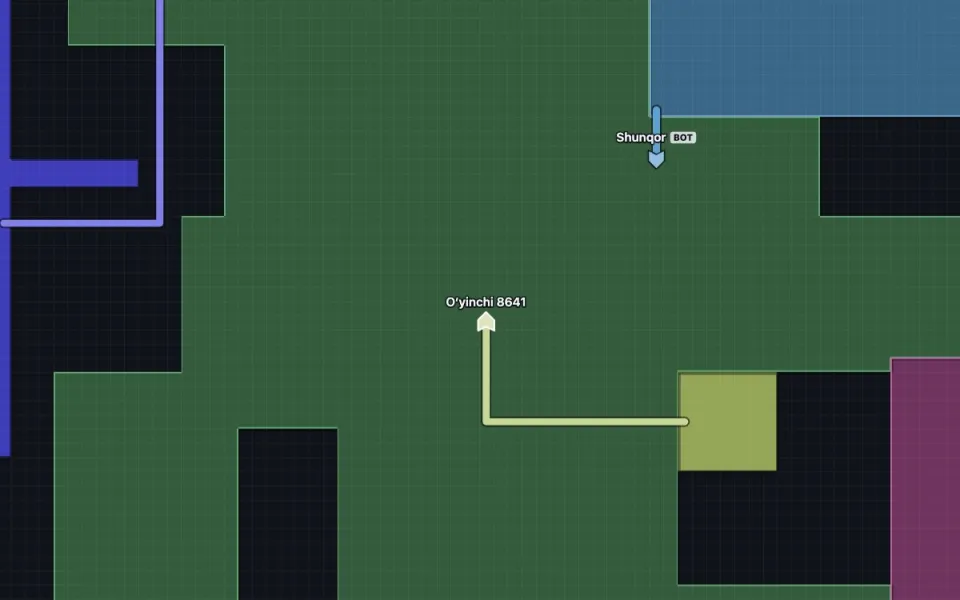
- While few people are in, bots marked BOT keep the map alive and leave as your friends arrive.
- Scores work the same: private-room results are counted by the server too.
- When everyone has left the room closes; the link stops working and whoever opens it joins a public room.
Fun ways to play with friends
- Three-minute race: who reaches the highest percentage in three minutes. Everyone can see the percentages.
- Hunter and runner: one only captures, the other hunts them, then you swap.
- Alliance: the two of you corner a big bot and split its land. Just do not cross each other’s trails.
FAQ
What if my friend is in another city?
It does not matter: internet is all you need. Lag is hardly felt because the head is predicted in the browser.
Can phones and computers play together?
Yes. The visible area is about the same on any screen, so a big monitor gives no advantage.
What if the room is full?
A room has 24 places and bots give way if needed. With 24 people in, the next one goes to another room and is told so.
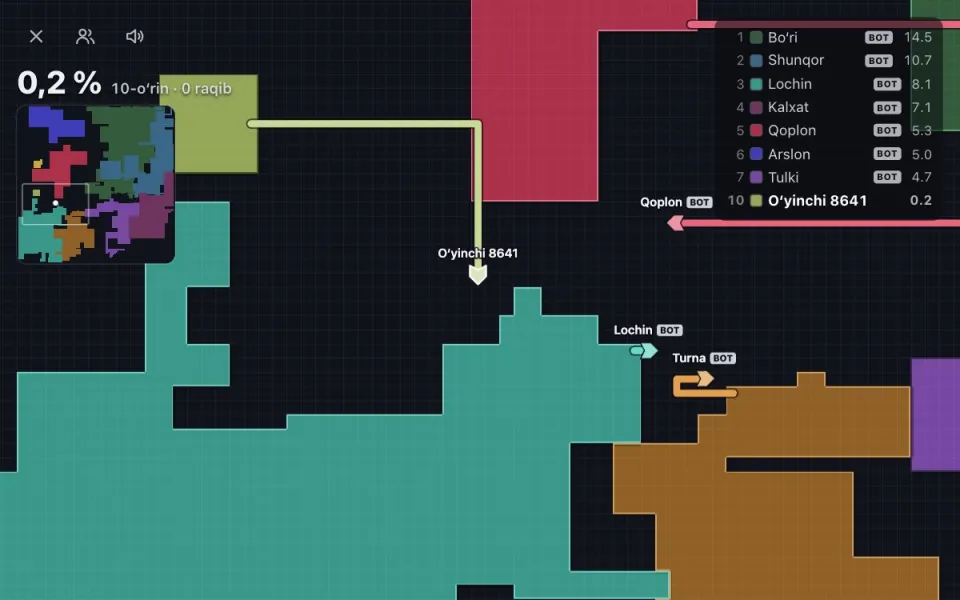 Hudud onlinethe game in brief
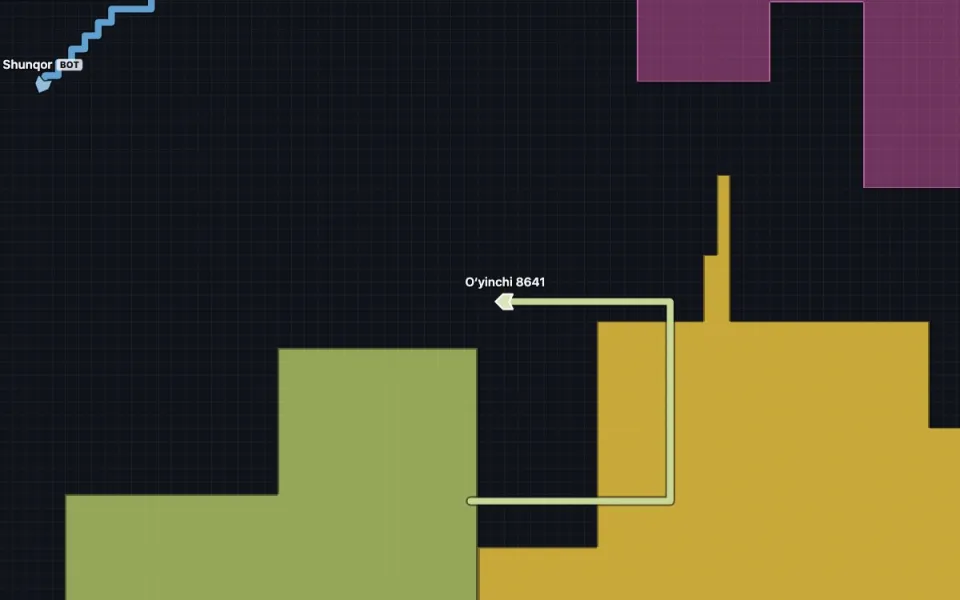 Rulestrail, loop, head-on, walls
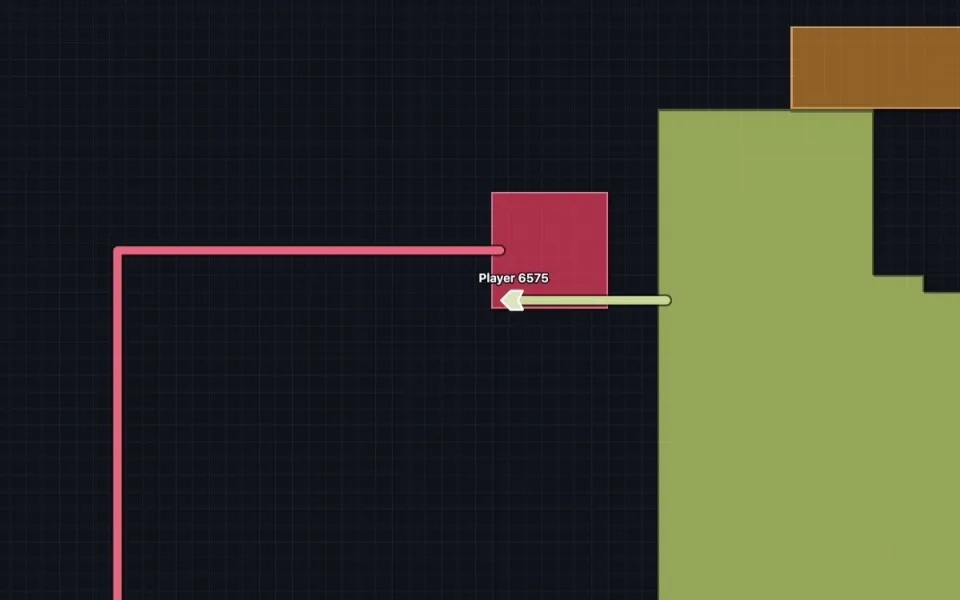 Tipshow big a loop is safe
 .io gameswhat the genre is about
 Games with friendsGameUZB