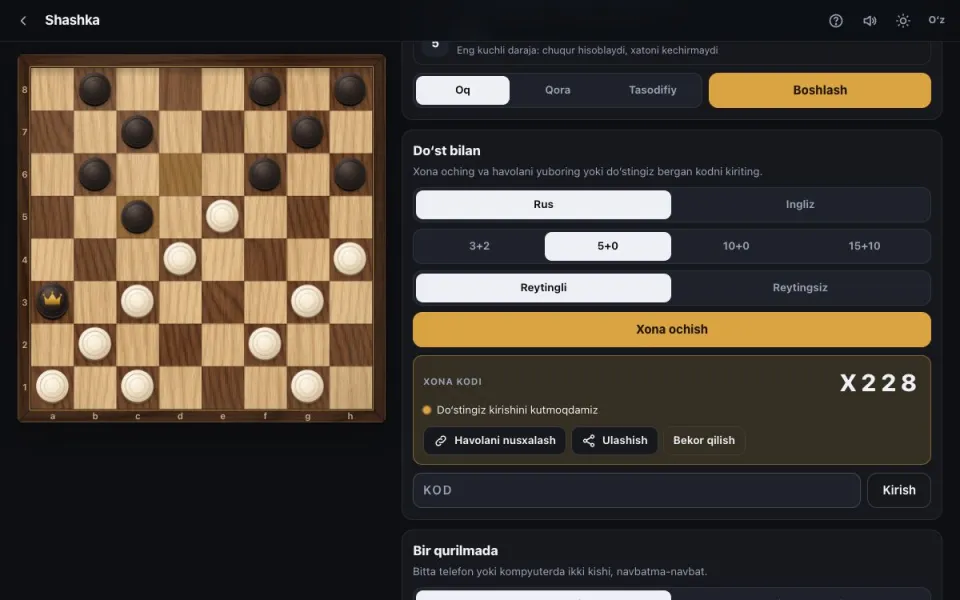
How to open a room
- In “With a friend”, choose the rules (Russian or English) and the time control (3+2, 5+0, 10+0, 15+10).
- Choose rated or casual and press “Open a room”.
- A 4-character code and a link appear. “Share” opens the system sheet on a phone and a Telegram button on a computer.
- When your friend opens the link or enters the code, the game starts for both of you at once. Colours are random.
Two players on one phone
In “On one device” mode you take turns and need no internet once the page is open. “Flip” turns the board round. The game saves itself and “Undo” works too.
Rated or casual
In a rated room the result goes into both Elo ratings. For practice choose a casual room: the clock, draw offers and rematch work the same way.
Note: the link works for 30 minutes and the host must stay on the page. If you closed it, open a new room.
FAQ
Does my friend need an account?
No. They open the link, type a name if asked, and play.
What if the connection drops?
Come back within 45 seconds and the game continues where it was. The page reconnects by itself.
Can we play again?
Yes. At the end of the game both press “Rematch” and a new one starts.
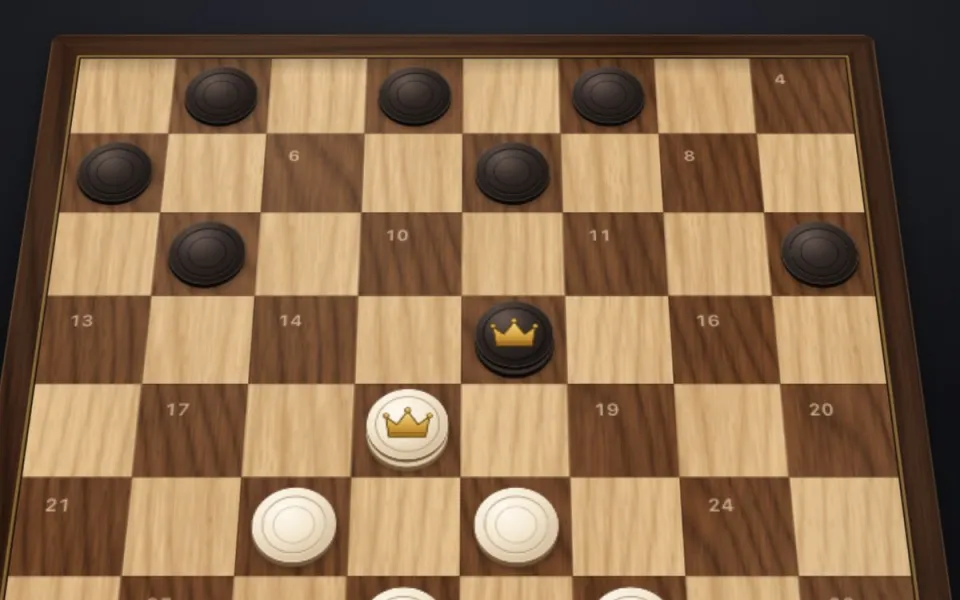 Russian draughts vs English checkers: the differencesrules, diagrams, which to pick
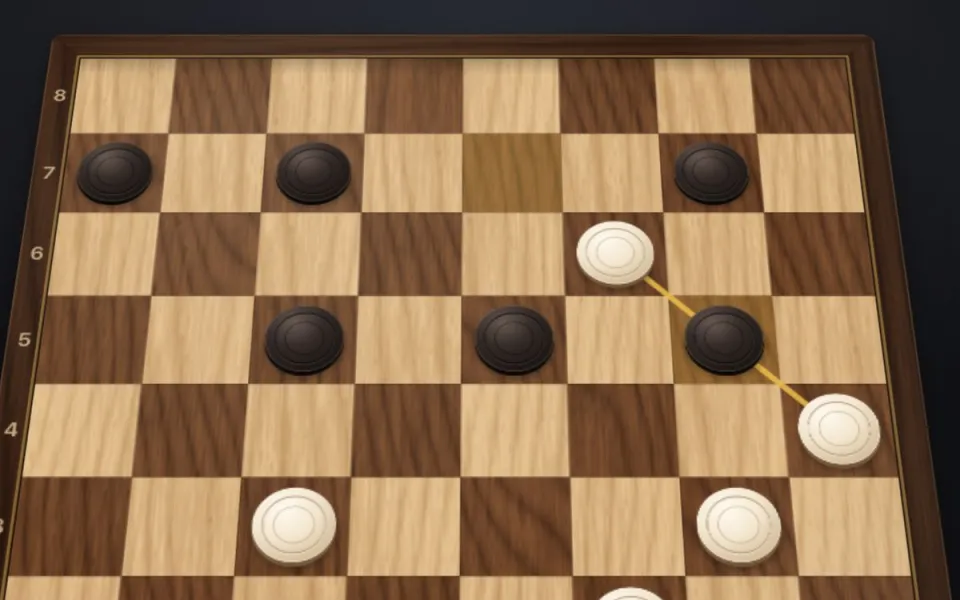 How to win at checkers: strategy for beginnersshots, the centre, the endgame
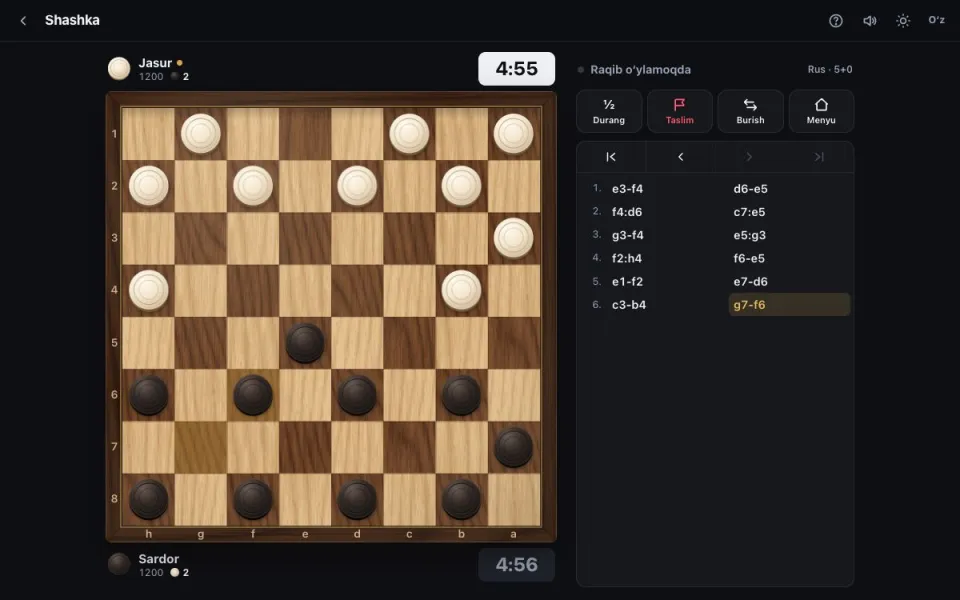 Checkers online: real opponents and a ratingclocks, rating, how a game runs