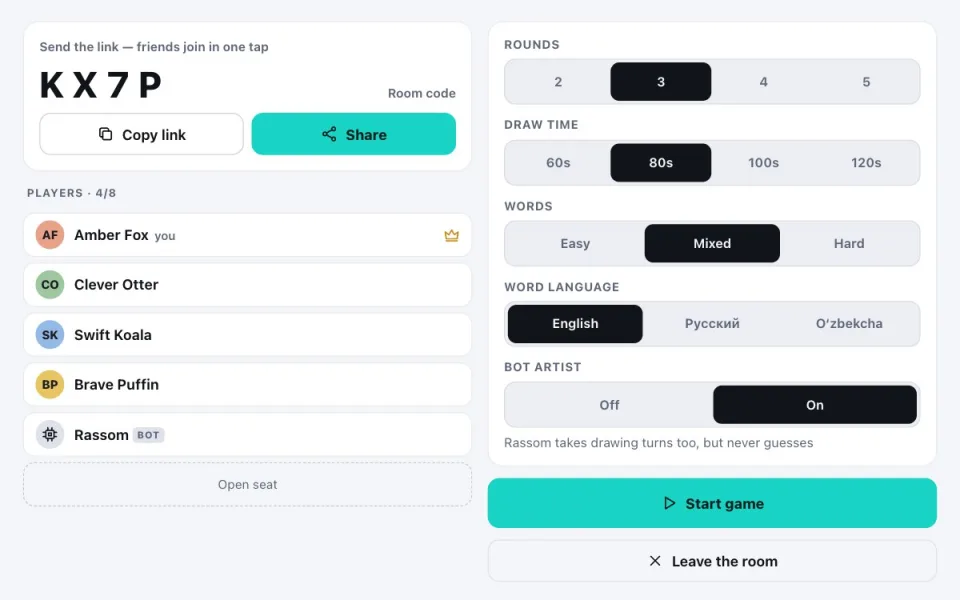
Three steps
- Tap “Play with friends” and a room with a 4-character code opens.
- Send it with Share or Copy link. Whoever opens the link lands in the room at once; the code also works in the menu’s “Join with a code”.
- When everyone is in, the host taps Start. At the end, Play again keeps the same settings.
Settings
| Setting | Options |
|---|---|
| Rounds | 2 · 3 · 4 · 5 |
| Draw time | 60 · 80 · 100 · 120 seconds |
| Words | Easy (for kids) · Mixed · Hard |
| Word language | English · Russian · Uzbek, separate from the interface language |
| Bot artist | Rassom also takes drawing turns, but never guesses and never scores |
For classes and language learning
The word language is separate from the interface language: for example, menus in Russian with English words to draw. Simple, concrete things (animals, food, transport) help new words stick through pictures.
FAQ
Can a stranger get in?
Only with the link or code. Private rooms never appear in public matchmaking.
What if the host leaves?
Hosting passes to the next player and the game carries on.
What if my connection drops?
The page reconnects by itself and your seat is kept for 30 seconds, with the drawing, points and turn order intact.
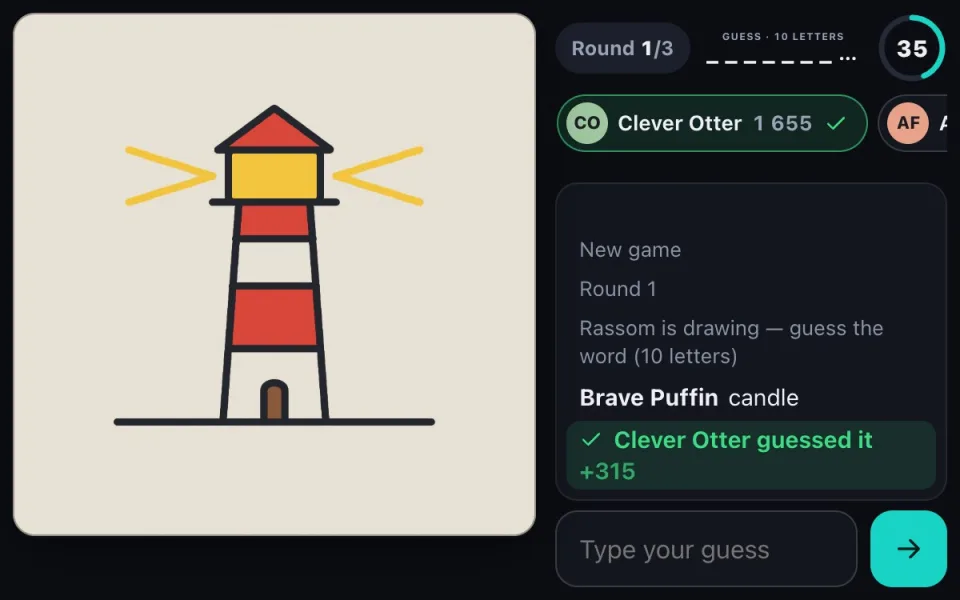 Sketch & Guess onlinethe game in brief
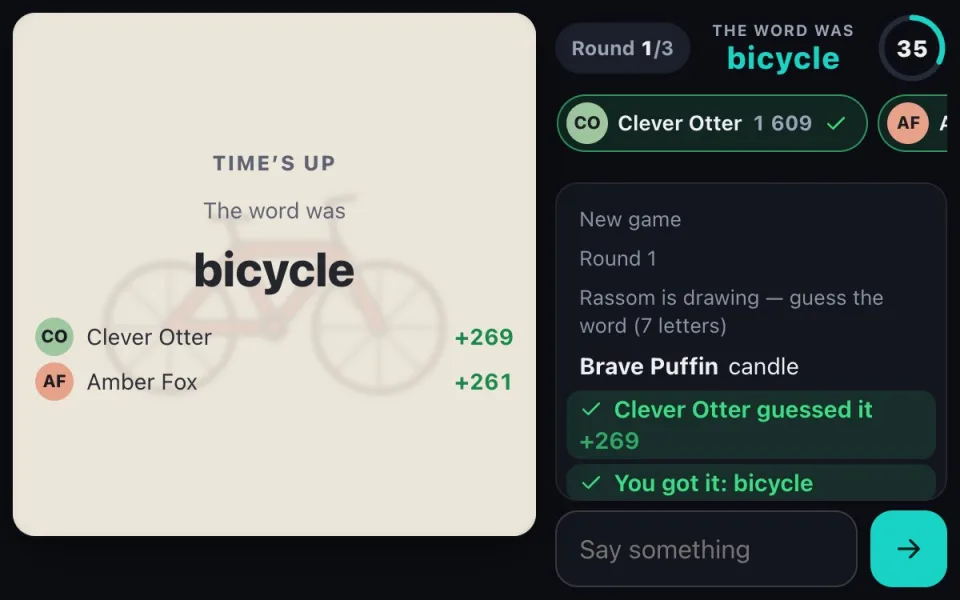 Rules and scoringturns, timer, letter hints
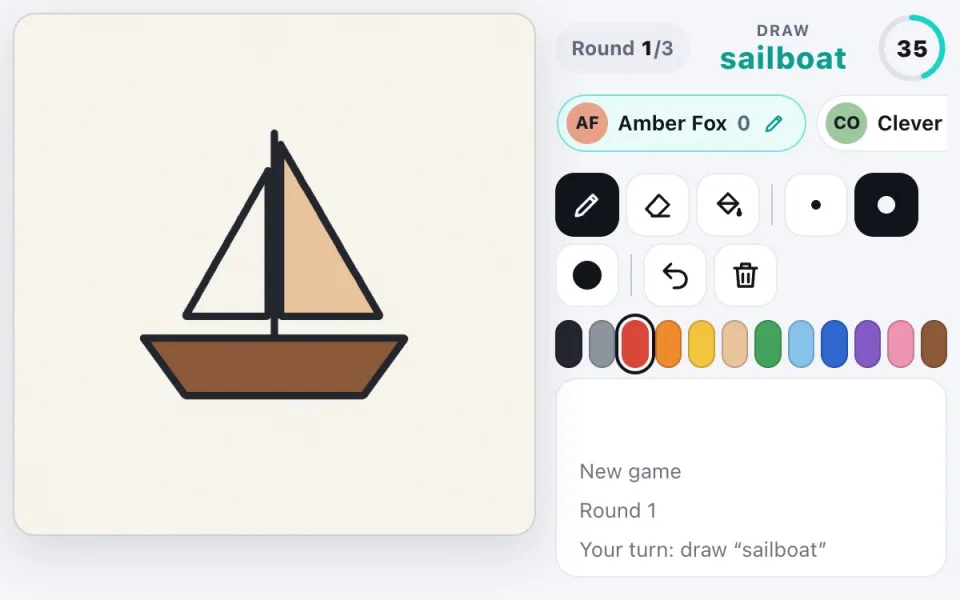 Tipsdraw and guess faster